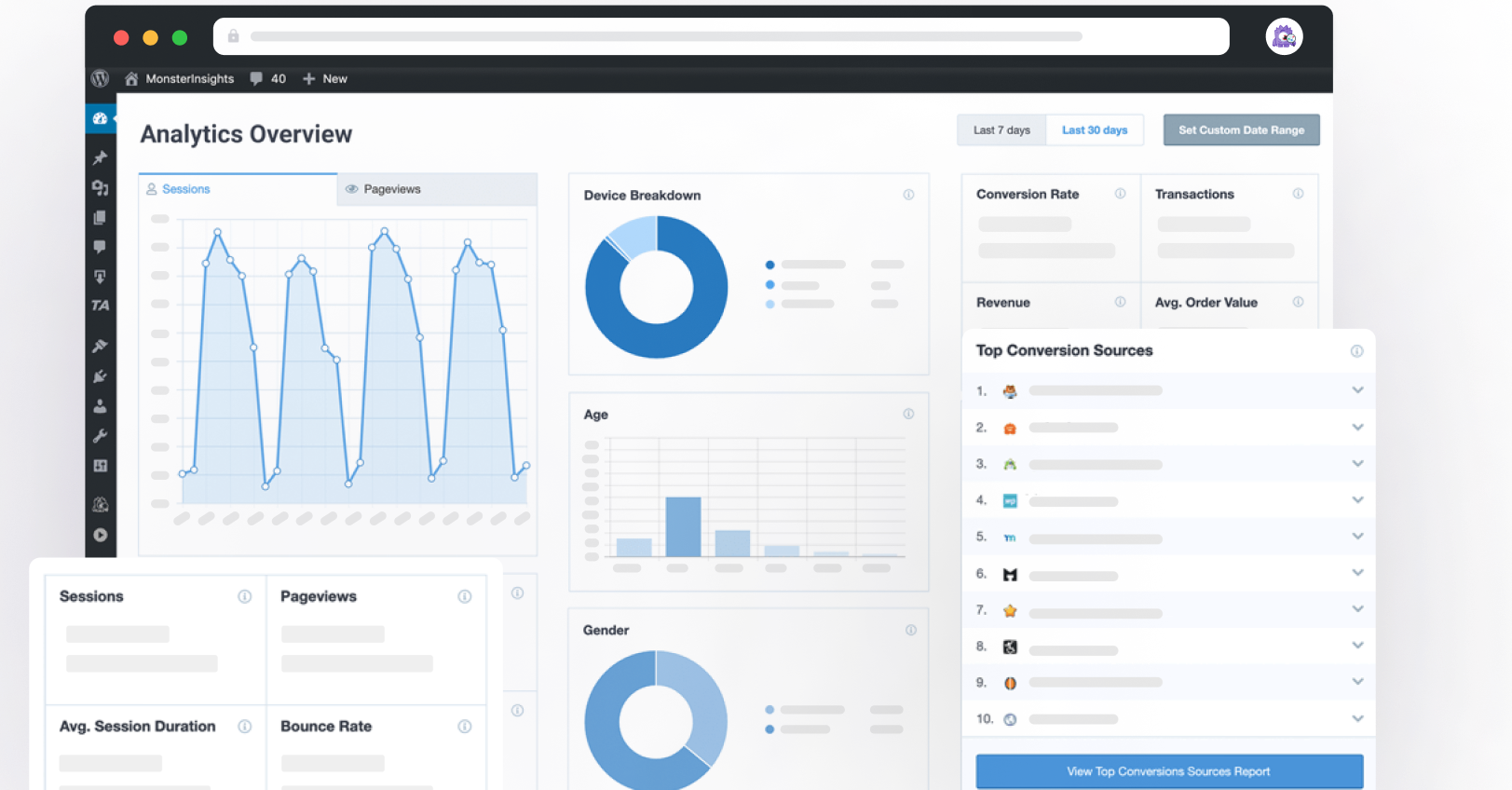
Ad Tracking for WordPress
PPC Conversion Tracking for WordPress – No Code Required
MonsterInsights lets you add conversion tracking pixels for Google Ads, Meta, Microsoft, TikTok, Pinterest, LinkedIn, and Snapchat directly inside WordPress – no tag manager, no developer, no code required.

No Code
Setup
7 Ad
Platforms
Conversion
Tracking
Launch
Google Ads
eCommerce
Integration
UTM
Campaign Reports



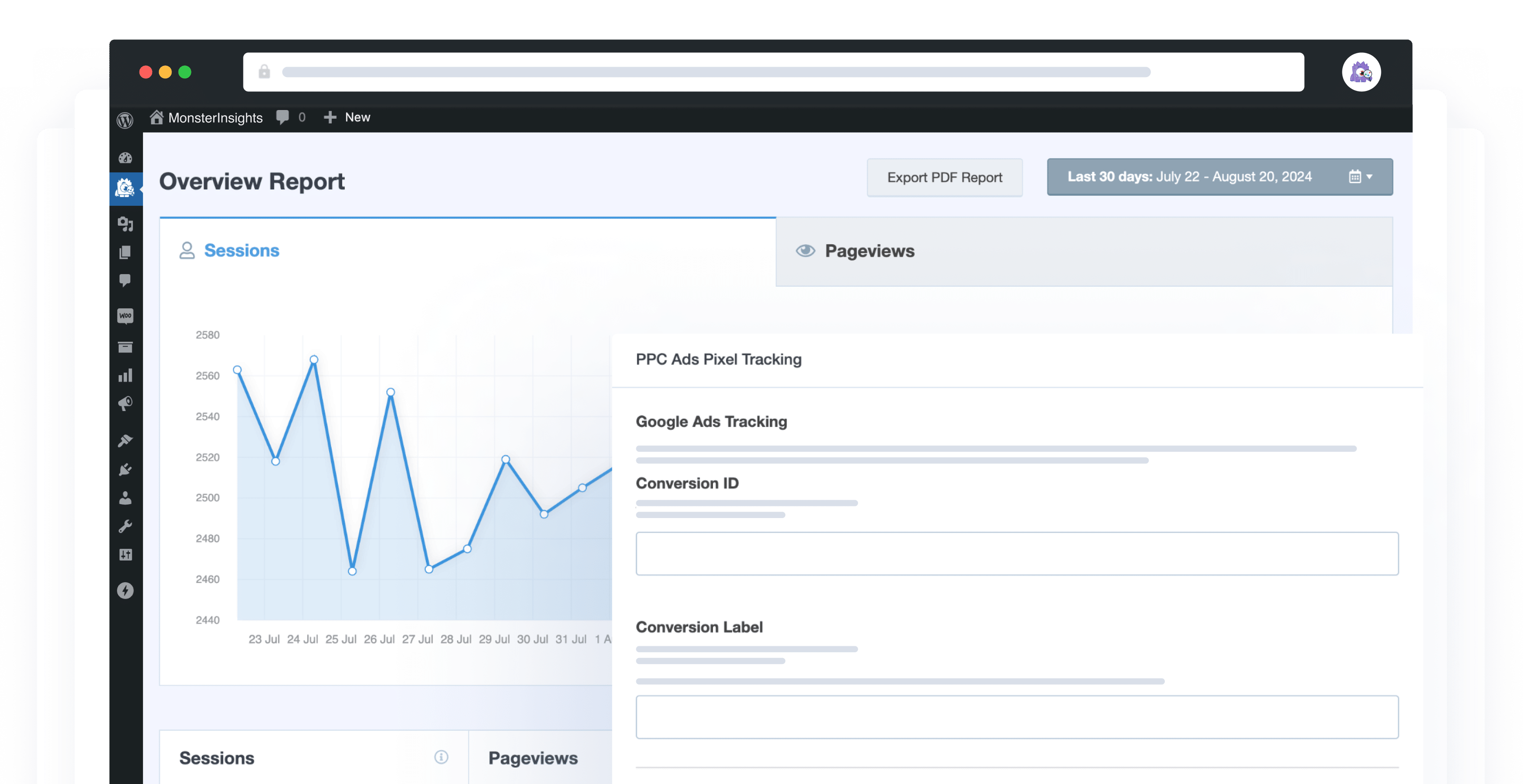
Finally, PPC Conversion Tracking for WordPress that’s
both Easy and Powerful
MonsterInsights makes it simple to connect your ad spend to real results. Here are the features that make MonsterInsights the best PPC tracking plugin for WordPress.
-
Launch Google Ads
Create and launch Google Performance Max campaigns right from your WordPress dashboard. A step-by-step wizard handles ad copy, keyword selection, location targeting, and budget – no Google Ads expertise needed.

Google Ads Tracking
Set up your Google Ads conversion pixel inside MonsterInsights – no Tag Manager, no custom code. Track which campaigns, ad groups, and keywords are driving real conversions on your site.
-
Meta (Facebook) Ads Tracking
Add your Facebook pixel to WordPress in minutes and track which Meta campaigns are driving traffic and conversions – without touching your theme files or a tag manager.
-
Microsoft (Bing) Ads Tracking
Configure your Microsoft Advertising UET conversion pixel inside MonsterInsights in minutes. Connect your Bing Ads spend to real on-site actions without any custom code.
-
TikTok Ads Tracking
Add your TikTok pixel and conversion ID directly inside WordPress. Start tracking TikTok campaign performance from the same dashboard where you monitor everything else.
-
Pinterest Ads Tracking
Install your Pinterest tag and conversion ID without touching a single line of code. Set up Pinterest conversion tracking in minutes and see which pins are driving real results.
-
LinkedIn Ads Tracking
Add your LinkedIn Partner ID and Purchase Conversion ID inside WordPress to track page views and transactions from your LinkedIn campaigns – no manual tag setup required.
-
Snapchat Ads Tracking
Add your Snapchat Pixel ID and Conversions API Token inside WordPress to automatically track purchase events from your Snapchat campaigns – no coding needed.

UTM Builder
Build properly formatted UTM tracking URLs for any campaign right inside MonsterInsights. Make sure every ad, email, and social post you send is tracked accurately in Google Analytics.
What Our Users Say About Us
4.9/5 on WordPress
“Quick and unrestricted access to all websites worldwide. Thank you for the valuable power you give to businesses and websites.”
“It has eliminated the aggravations caused by GA4. The Insights > Report gives me exactly what I need.”
“I love just having sensible, easy-to-understand data available at a glance.”
Why Over 3 Million Users  MonsterInsights for PPC Conversion Tracking
Here are just a few reasons why business owners, eCommerce sites, and marketing teams rely on MonsterInsights to track conversions across Google, Meta, TikTok, and more ad platforms – without a developer, a tag manager, or a single line of code.
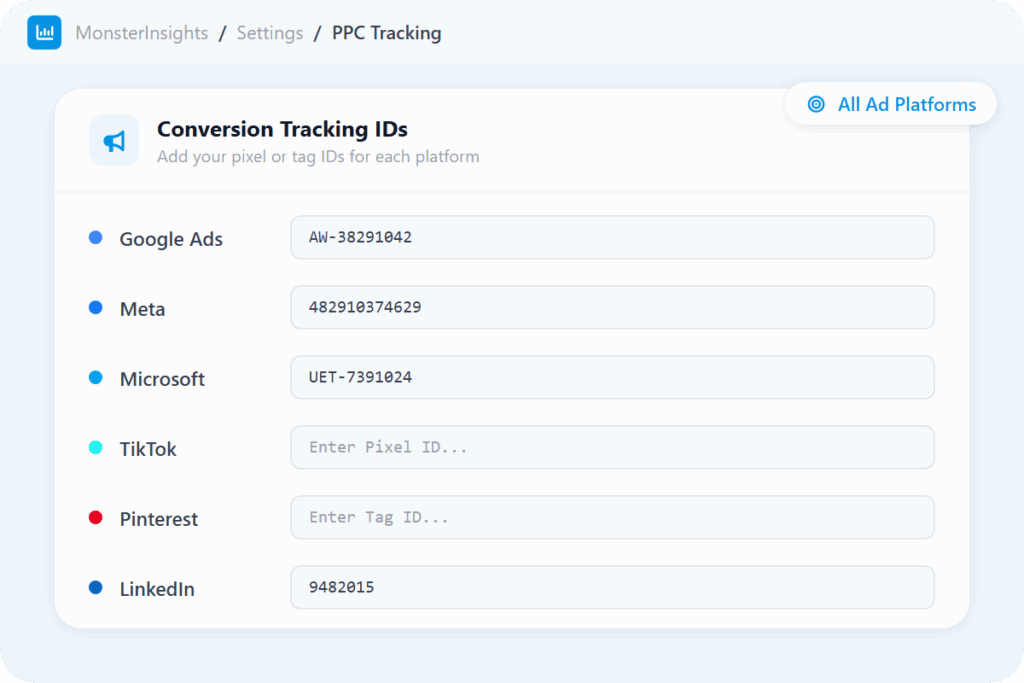
Add Conversion Tracking for Any Ad Platform – No Technical Skills Required
Normally, telling an ad platform about conversions on your WordPress site requires editing code or hiring a developer. MonsterInsights replaces all of that with a simple settings panel where you paste in your tracking ID and you’re done – for all major ad platforms.
No code, no developer, no risk of breaking anything.
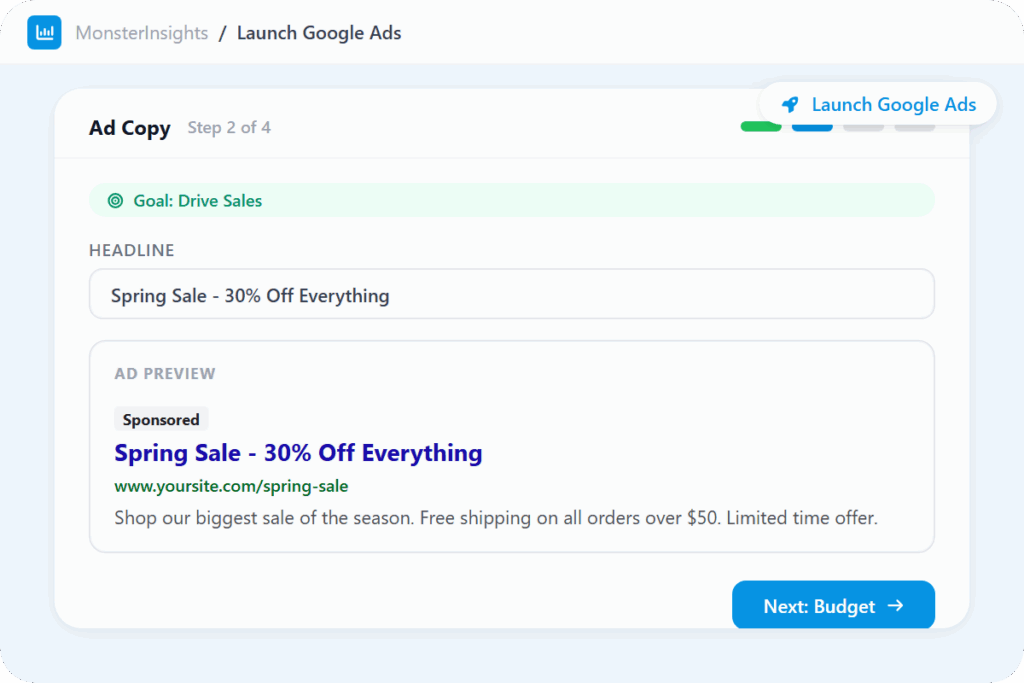
Launch a Google Ads Campaign Without Leaving WordPress
MonsterInsights includes a built-in wizard to create and launch Google Performance Max campaigns, with its own dedicated tab in your MonsterInsights menu. Most site owners skip Google Ads entirely because Google’s own interface is genuinely overwhelming. This wizard walks you through your goal, ad copy, keywords, location, and budget step by step.
Your campaigns go live across Google Search, YouTube, Gmail, and more without ever touching Google’s Ads interface.
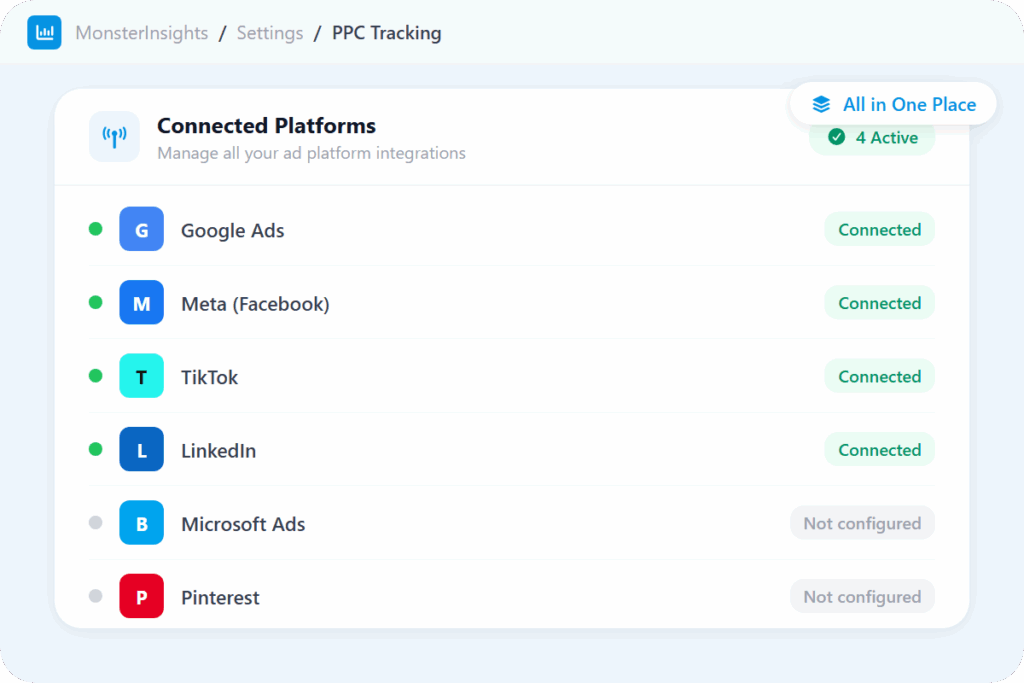
Keep All Your Ad Tracking in One Place
Running ads on multiple platforms means managing tracking across multiple dashboards – and it’s easy for things to fall out of sync. MonsterInsights keeps all your ad tracking in one settings panel inside WordPress: Google, Meta, Microsoft, TikTok, Pinterest, LinkedIn, and Snapchat.
Adding a new platform takes two minutes. Checking what’s active takes two seconds.
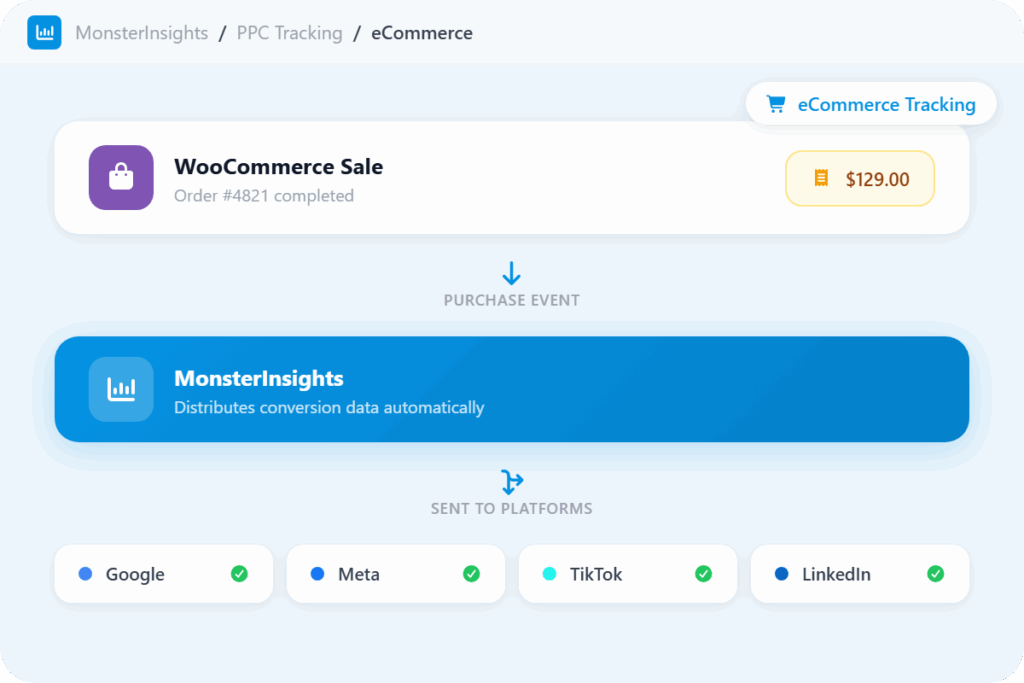
Make Sure Your Ad Platforms Know When a Sale Happens
Ad platforms get smarter the more sales data you send them – but if your WordPress store isn’t correctly reporting purchases, those platforms don’t know what’s working. MonsterInsights automatically connects to WooCommerce, Easy Digital Downloads, MemberPress, and more to send sales data to every connected ad platform.
The result: ad platforms that optimize based on real purchases, not just clicks.
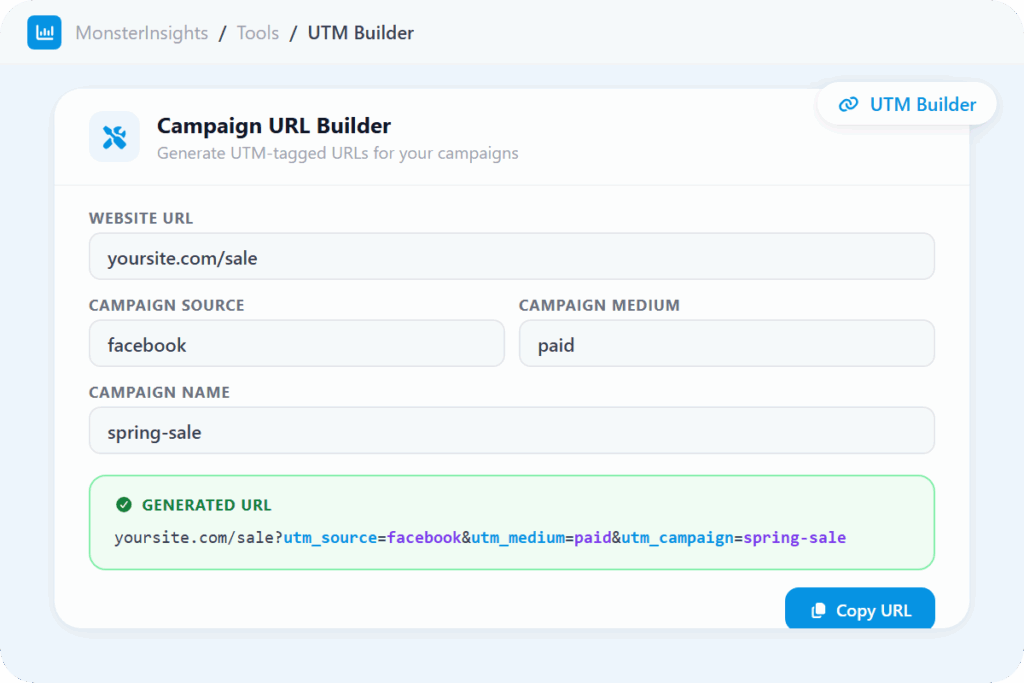
Stop Campaign Traffic Getting Lost in Your Analytics with the URL Builder
When you run an ad or send an email, you want to see that traffic in your analytics – but without the right tracking links, it often shows up as “unknown” or gets mixed in with direct traffic. MonsterInsights includes a built-in link builder that adds the right tracking codes to your campaign URLs before you launch.
Get it right from the start and your analytics will show exactly which campaigns are driving traffic – clearly labeled, every time.
Frequently Asked Questions
Do you have questions about MonsterInsights? See the list below for our most frequently asked questions. If your question is not listed here, then please contact us.
PPC tracking lets you see what happens after someone clicks your ad – whether they bought something, signed up, or completed another goal on your site. Without it, you’re spending money on ads without knowing which ones are actually working. MonsterInsights automates the setup so you get that data without any technical configuration.
No. MonsterInsights replaces the need for Google Tag Manager on WordPress sites. You add your conversion pixels and tags directly inside the plugin settings – no GTM account, no container setup, no custom triggers required.
The PPC Tracking Addon supports Google Ads, Microsoft (Bing) Ads, Meta (Facebook) Ads, TikTok Ads, Pinterest Ads, LinkedIn Ads, and Snapchat Ads. You can add and manage tracking for all 7 platforms from the same settings panel inside WordPress.
Yes. MonsterInsights 10.0 includes a Google Ads wizard that lets you create and launch Performance Max campaigns directly from your WordPress dashboard – no need to navigate Google’s Ads interface. The wizard walks you through your campaign goal, ad copy, keyword selection, location targeting, and budget step by step.
The PPC Tracking Addon is available on MonsterInsights Pro. The Google Ads campaign launcher is available to all users, including the free Lite version.
Know Exactly Which Ads Are Driving Revenue – and Stop Spending on the Ones That Aren’t
Join over 3 million WordPress users who stopped wasting budget on ads that don’t convert.